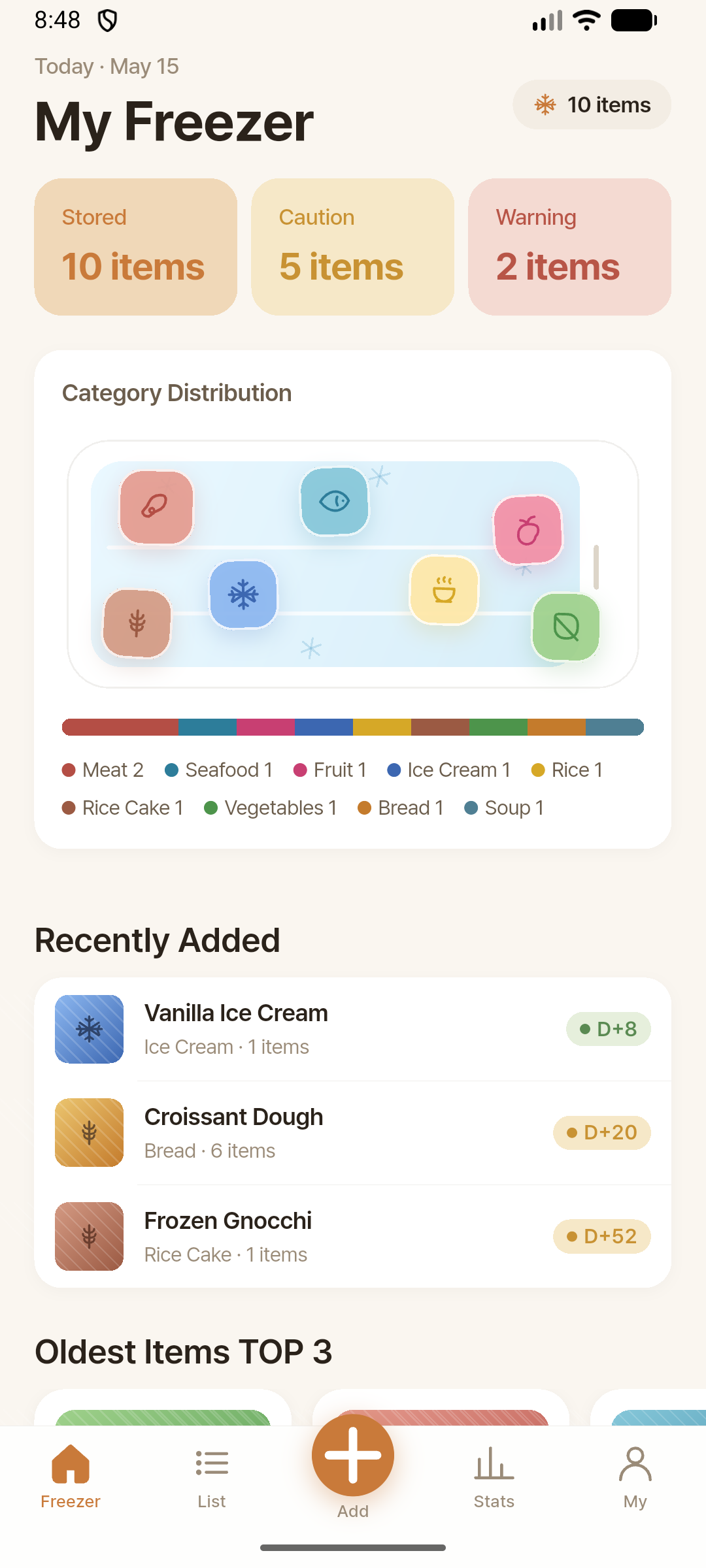
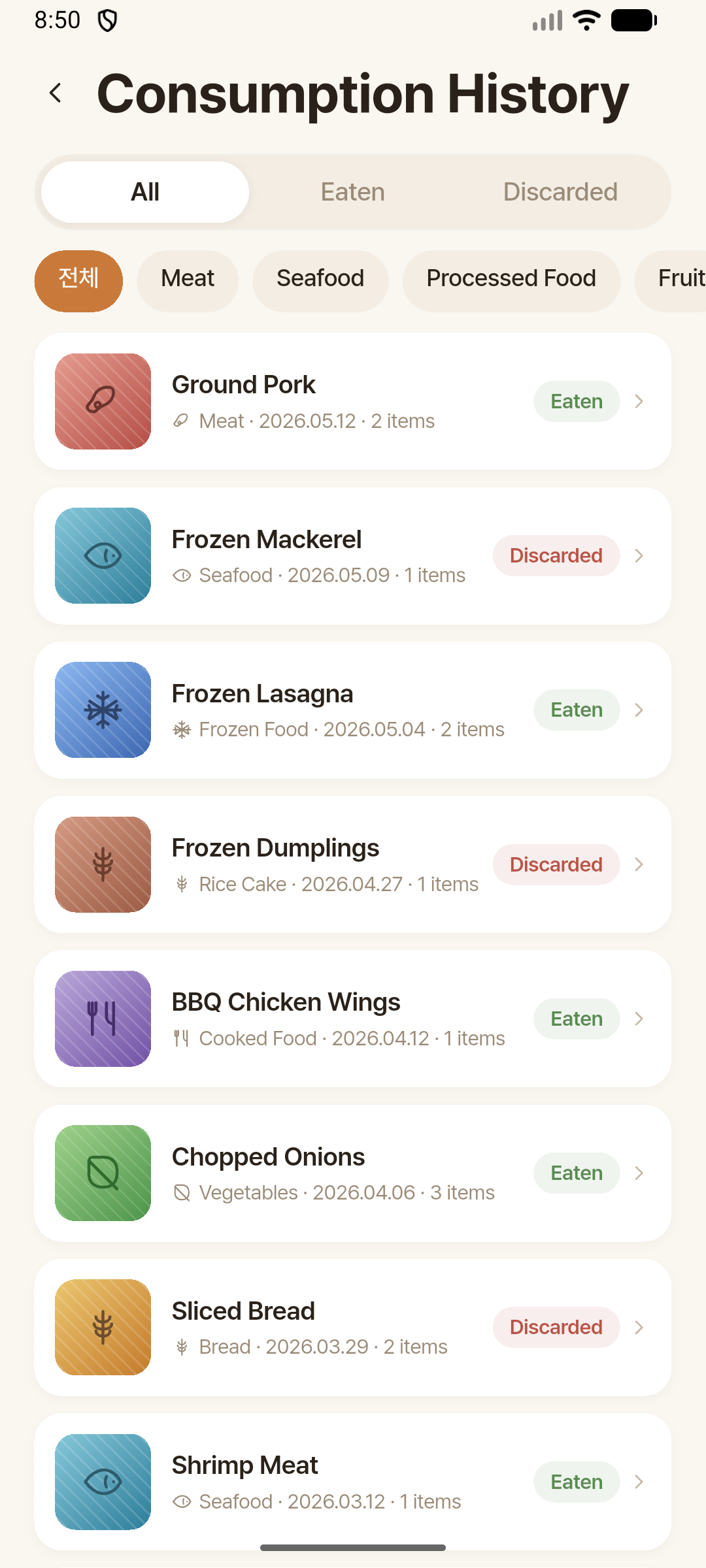
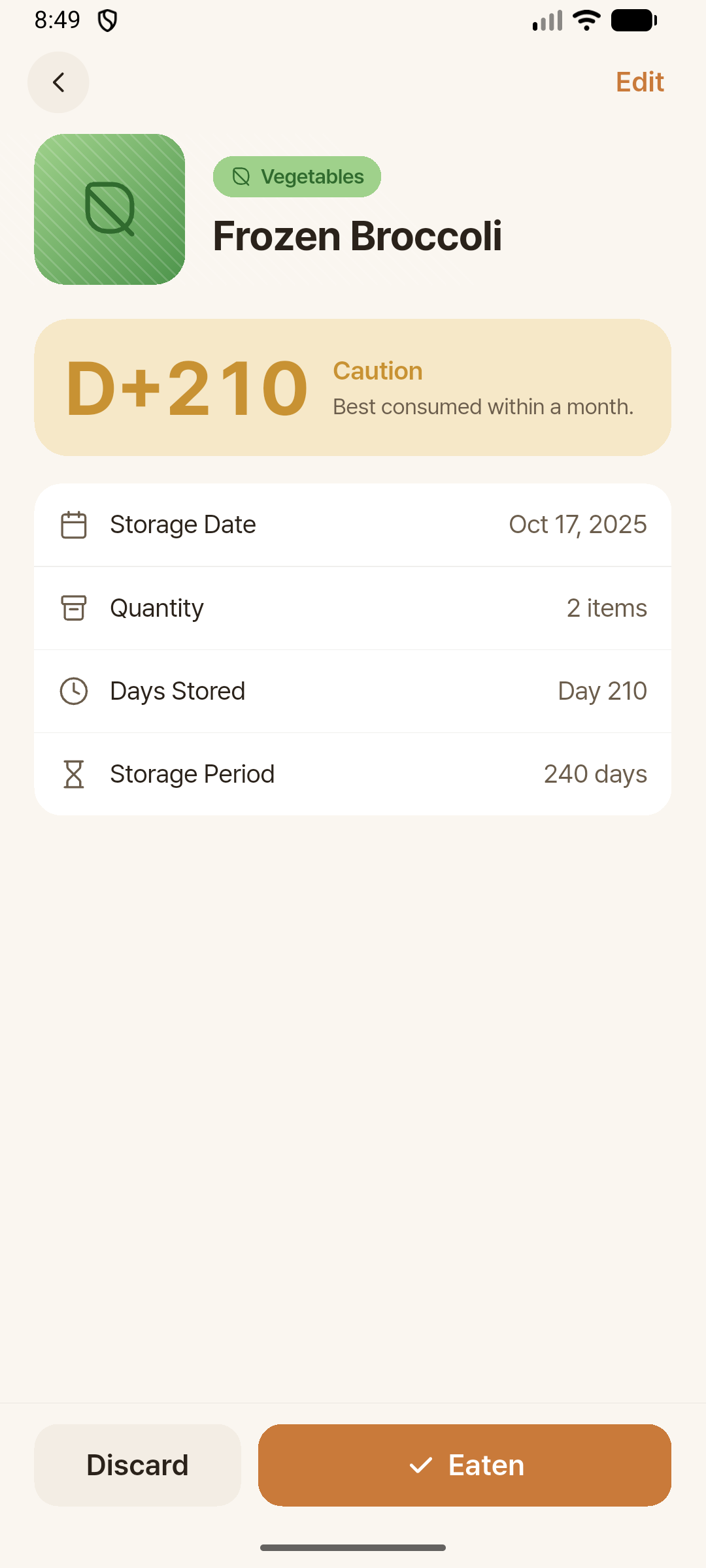
Freeze Time helps you register ingredients with photos, track storage days and status at a glance, so you never miss aging food in your freezer.
Sound familiar? Freeze Time was born from this all-too-common freezer struggle.
Meat frozen solid, sitting there for days — or months. It's hard to even guess.
Bags found at the very bottom. You wonder if it's still okay to eat.
You already have it at home. But it ends up in the shopping cart anyway.
That bag you found too late. It heads to the bin a few times a month.
Freeze Time turns managing freezer ingredients
from "memory" into "records."
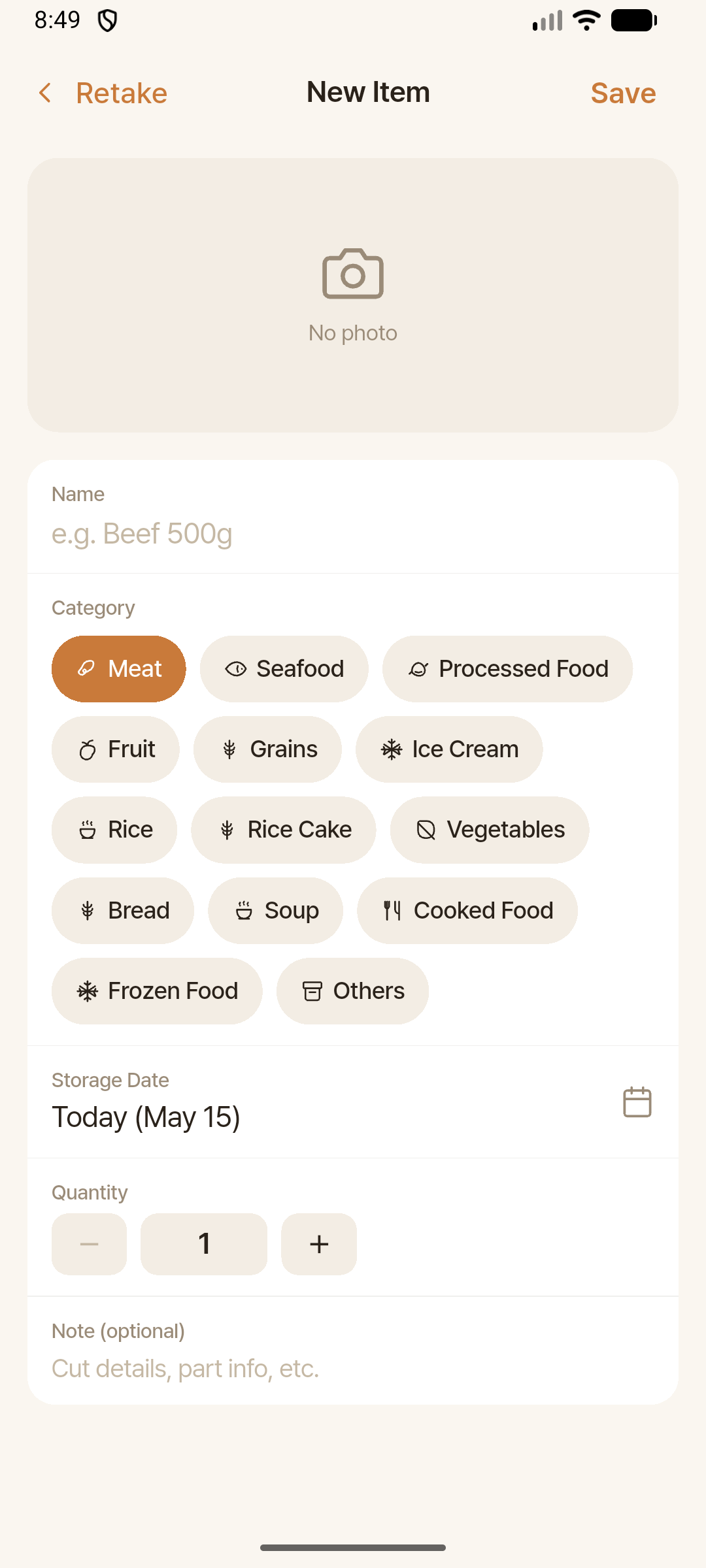
Take a photo or pick from your gallery, then enter the name, category, storage date, quantity, and notes — all saved in one go. Takes less than 30 seconds.
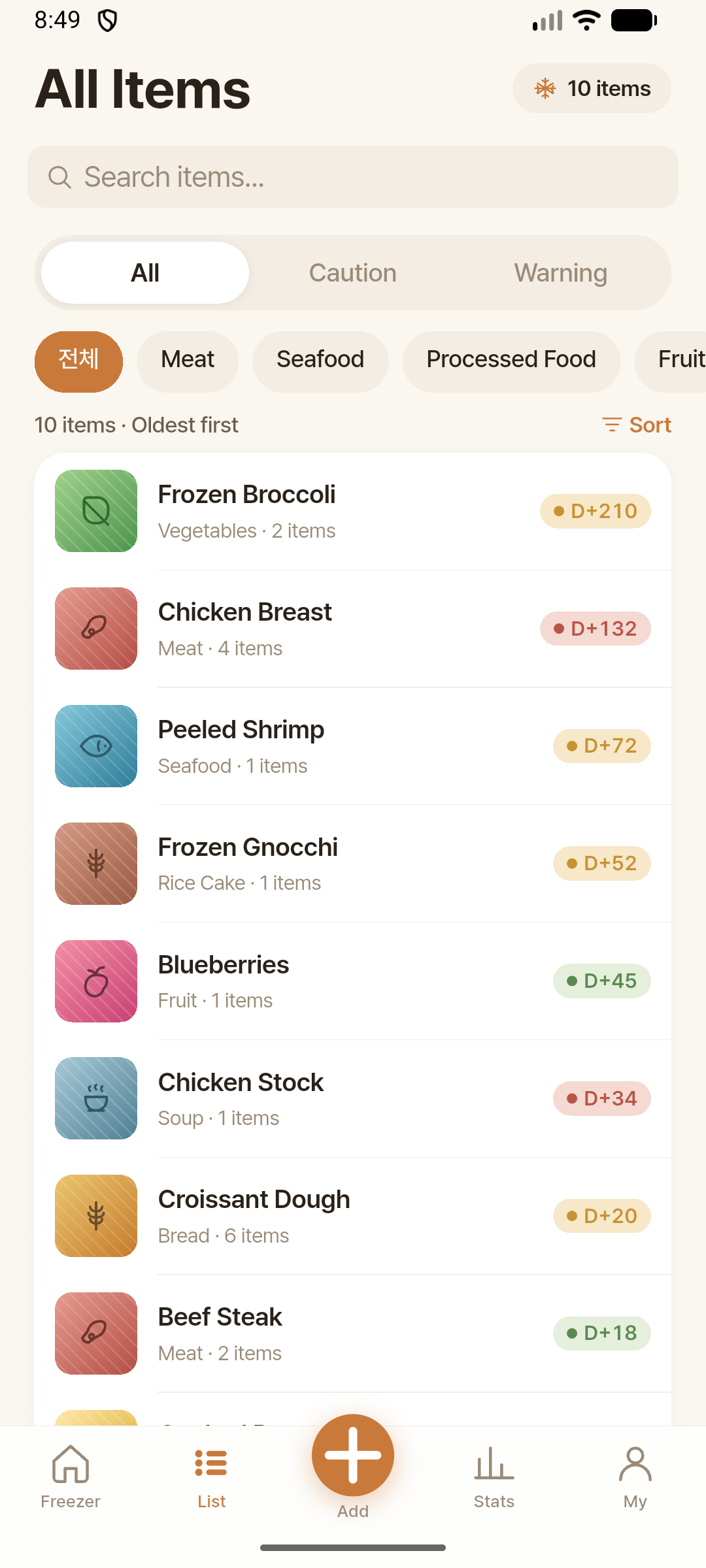
Status is automatically classified based on each ingredient's recommended storage duration. No digging around — you'll instantly see what needs attention.
Meat, seafood, vegetables, rice, rice cakes, bread, soup, processed foods… automatically sorted by common categories, and you can create your own too.
When ingredients enter caution or warning status, you'll get a gentle nudge on the day and time you set. Once or twice a week is plenty if daily feels like too much.
"Even forgotten ingredients in the corner — Freeze Time brings them back to mind."
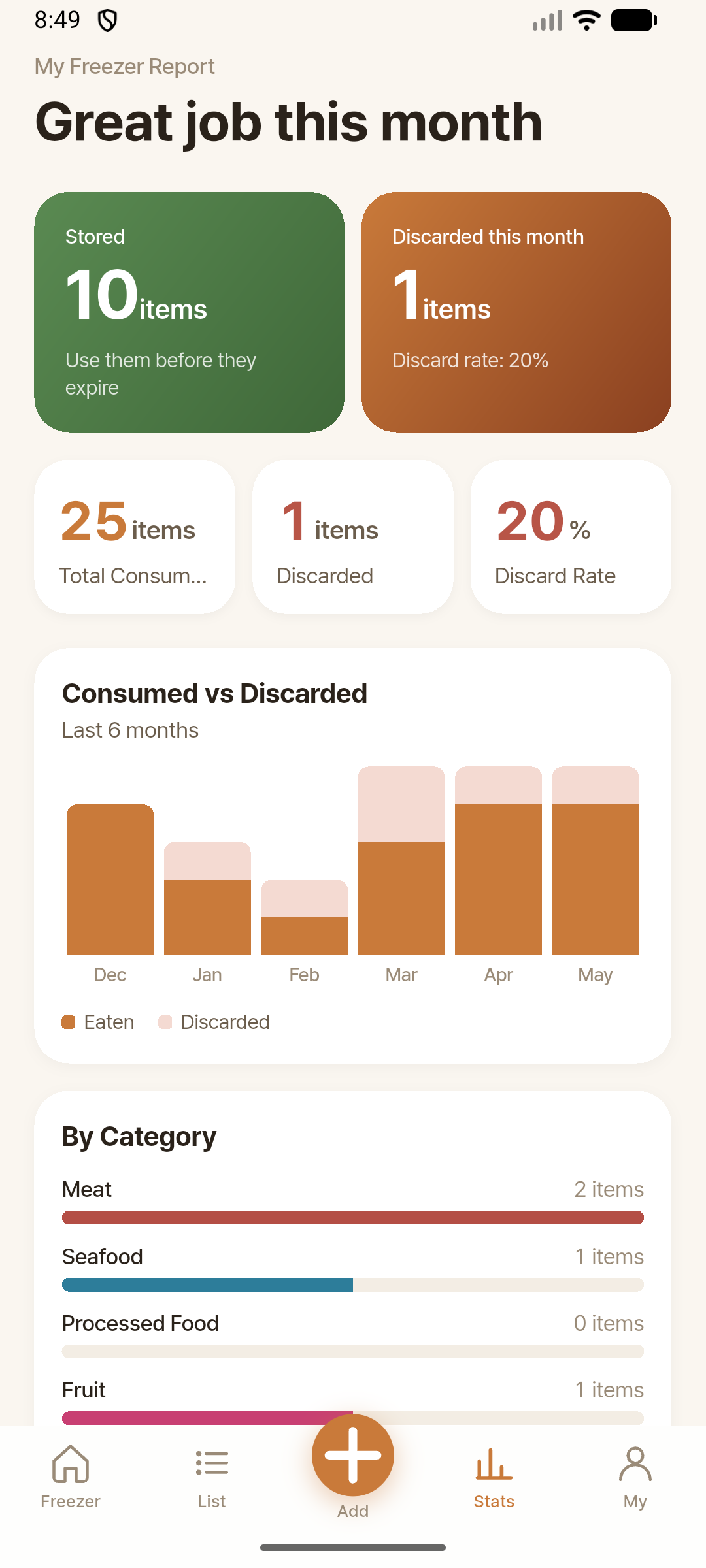
Compare eaten vs. discarded ingredients and check this month's waste rate and category patterns at a glance. Data becomes insight, not nagging.
When you use an ingredient, log it as eaten or discarded with the quantity. If you make a mistake, you can restore it from the consumption history.
Automatically switches to match your device language, or you can change it manually.
It starts with one photo and keeps going with one notification a week. Your freezer will look different by next week.